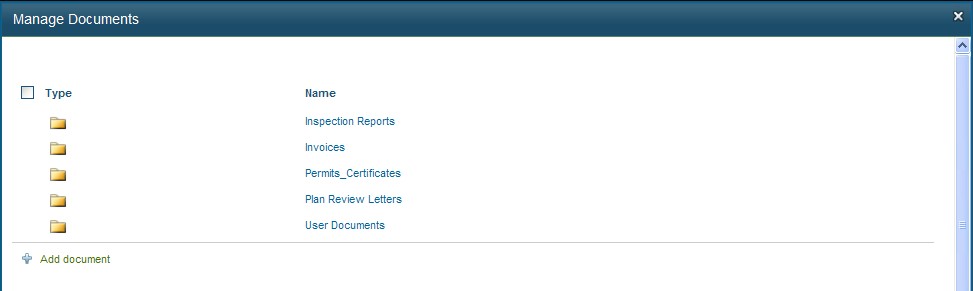
Click Manage Documents in the Control Panel to go to the All Documents page as shown below:
Select a document using the checkbox and the various features related to the document are displayed in the Ribbon as shown below:
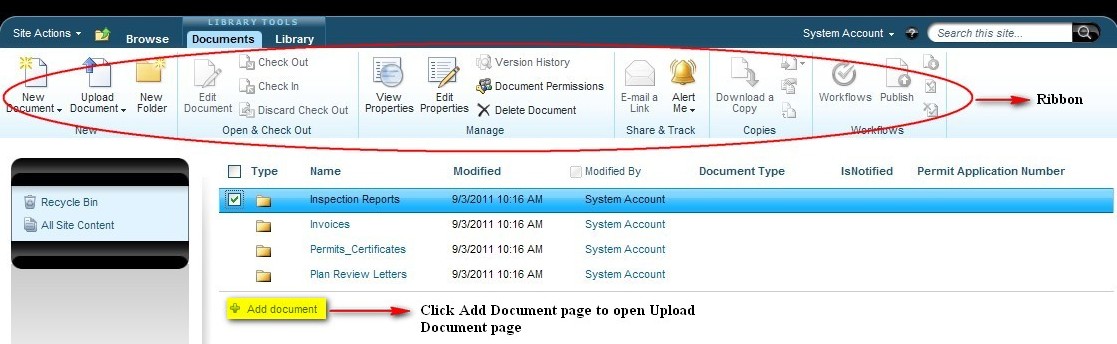
Click Add Document link to open the Upload Document page as shown below:
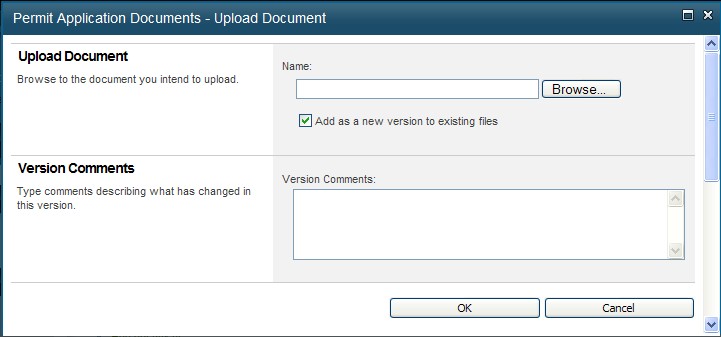
Click Browse to select the document to be uploaded.
Enter the version comments in the text box and click OK.
Click Cancel to close the window.
Note:
Once the documents are uploaded, it cannot be deleted by Registered Portal Users. Only Administrator has the authority to delete the document.