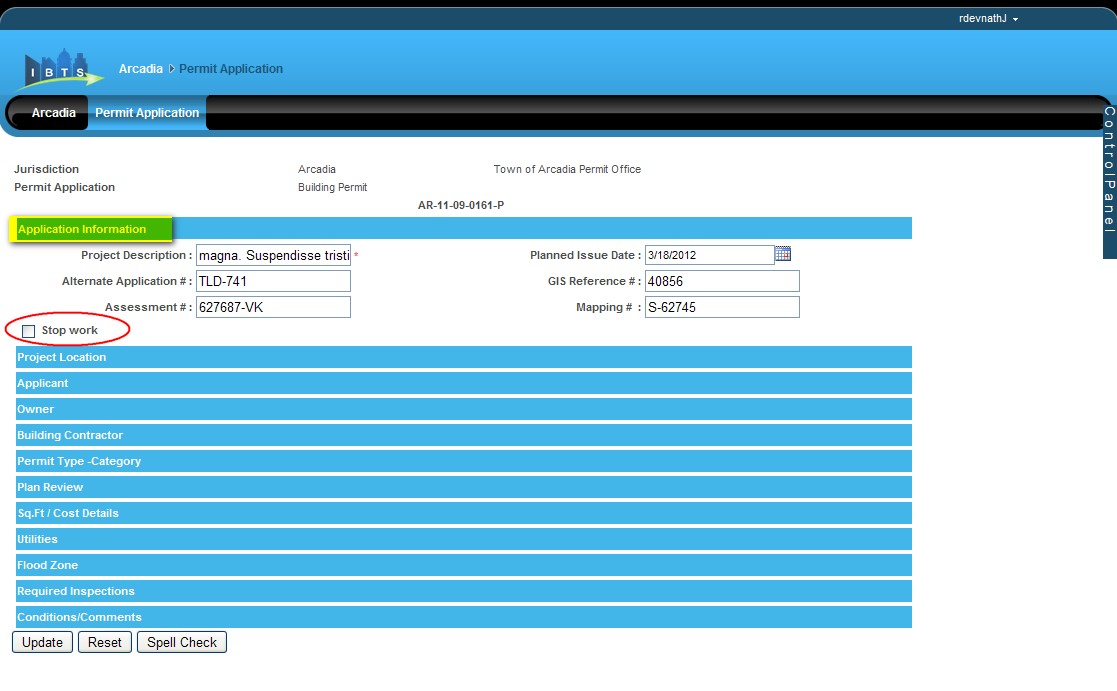
After a permit is issued, the Building Official can stop the work if anything is found incorrect. Only after a permit is issued, Stop Work checkbox is available under Application Information section of the issued permit as shown below:
Select the Stop Work checkbox to enter the comments in the Stop Work Comments text box as shown below:
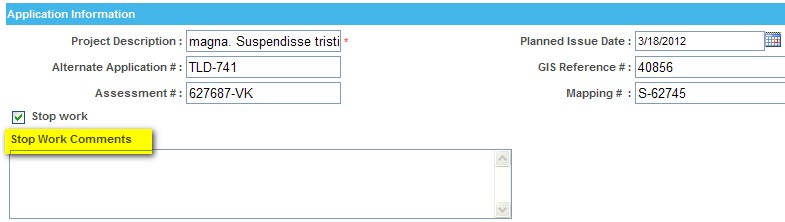
Enter the comments and click Update to update the details.
Once the work is stopped, a permit can later be unlocked. To unlock, click Unlock Permit link in the Control Panel.
Note:
Only System Administrator has the privilege to unlock the permit application.